
A collection page can leave you remembering a colour, a container or a name while forgetting which details the page actually supplied. A small browsing notebook helps separate those impressions. Rather than making a shopping list, record what caught your attention, where you saw it and what you would need to understand next.
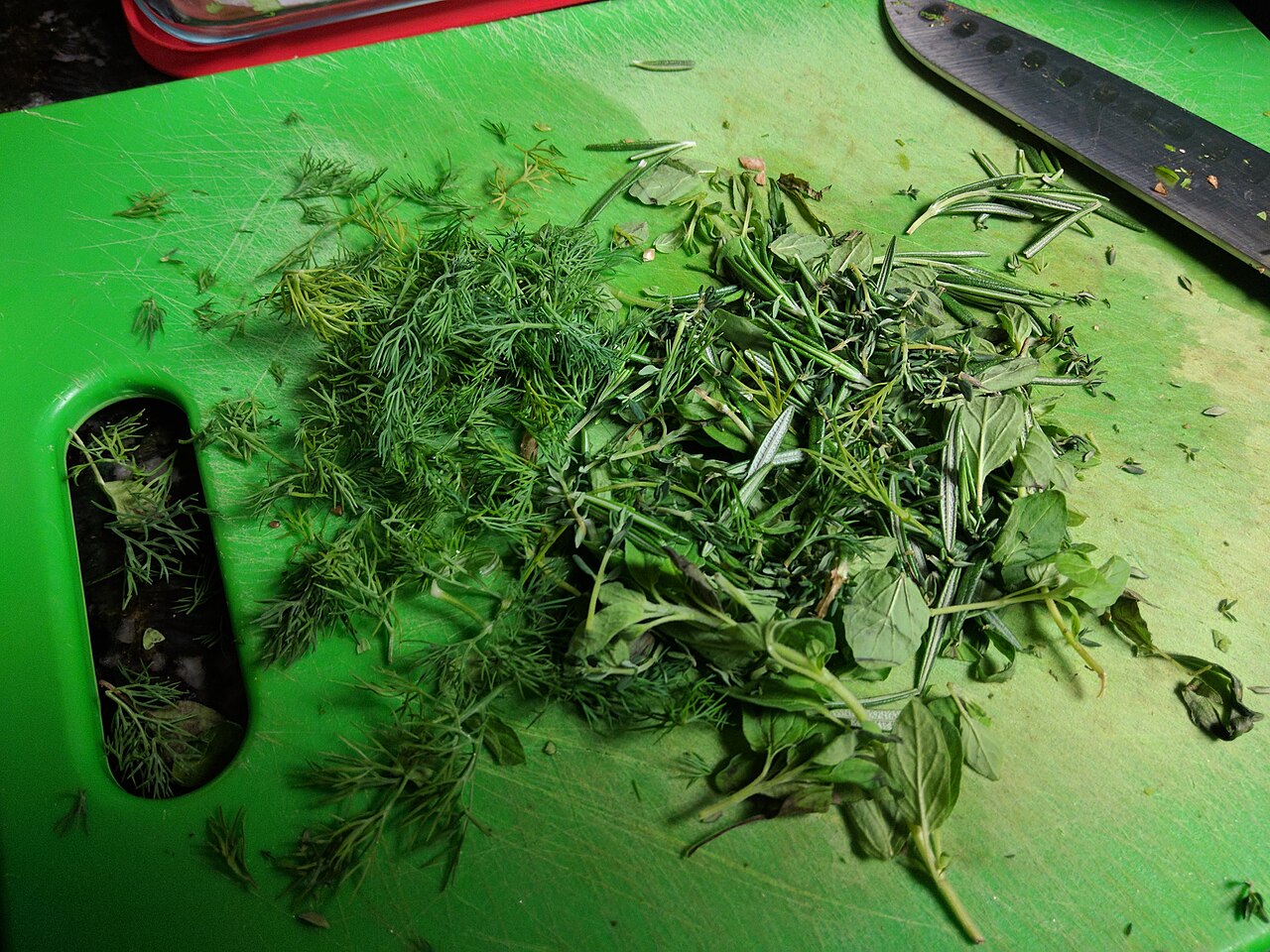
Illustrative photograph: Chopping Fresh Herbs by Leecason, CC BY-SA 4.0, via Wikimedia Commons. Source preview resized to 1280 × 960; site-generated smaller/cropped or format-converted variants retain this licence. This is not a photograph of a listed property or a business product.
My Herb House’s current collection is presented as a preview, with illustrative imagery and unconfirmed final products. That makes a question-led notebook a useful way to explore it. The notebook should preserve the difference between a design concept and information about an identified product.
Give each observation its own place
Use four columns: page reference, visual preference, information stated and open question. A page reference can be the title and URL. A visual preference might concern the presentation or the way a category is organised. The information column should contain only what the page actually says, without filling gaps from the image.
Keep the open question short enough to answer separately. “Which details would identify the final product?” is more focused than “Tell me everything.” If a page leaves several matters open, give each one a separate line. This prevents a clear question about identity from becoming mixed with a comment about packaging.
Describe the design without turning it into a specification
Words such as colour, layout and illustration describe presentation. They do not establish the contents of a container, its quantity or the identity of a supplier. When writing a note, keep those categories distinct. You can like the appearance of a concept while leaving the product-information column unfinished.
For example, a hypothetical entry could read: “Collection concept; botanical visual direction; final product details still open; revisit when an identified listing is available.” This is a sample note, not the name or specification of a My Herb House item. Its value is in keeping preference and evidence on different lines.
Record the source of a detail
If a page provides a detail, record where it appears and when you read it. A short quotation is unnecessary when a plain summary and page link will do. The reference lets you revisit the original context instead of treating a note copied weeks earlier as a complete description of the current page.
Use a separate label for your own interpretation. A statement beginning “I would prefer” belongs to your preferences; a statement beginning “The page says” should be traceable to the page. That small writing habit helps you notice when a design impression has become an unsupported assumption.
Compare questions within the right category
Keep category-specific questions together. The herbal tea category and botanical extract category organise different formats. The notebook can record which category you were exploring without treating the formats as substitutes or inferring their composition from a shared botanical theme.
The site already links reading material about how to read a herbal tea label and the distinction between oral strips and capsules. This notebook serves a different purpose: tracking your browsing observations and unanswered questions. Use it to organise references, rather than copying those guides into another format comparison.
Leave unanswered questions visible
An empty information field is useful when a detail has not been confirmed. Label it “not stated here” or “awaiting a confirmed listing” rather than completing it from a similarly named item elsewhere. Two concepts with similar names or packaging are not enough to establish the same supplier or specification.
You can also separate questions that concern product identity from questions that concern an eventual offer. The first group asks what the item is and which information identifies it. The second concerns a supplier, price, availability or sale terms. Keeping the groups apart makes it easier to see which stage the page describes.
Review the notebook before drawing a conclusion
Return to the linked pages and remove assumptions that no longer match the text. Keep design preferences in their original column even when product information changes. A dated notebook then shows what you liked, what you learned and what remains unanswered, without suggesting that your earlier impression became a confirmed specification.
The My Herb House approach and collection FAQ provide the context for further exploration. Finish a browsing session with one clear question to revisit, rather than a conclusion about an unconfirmed product. The notebook is a reading tool, not an order request or guidance on product use.
Leave a Reply